
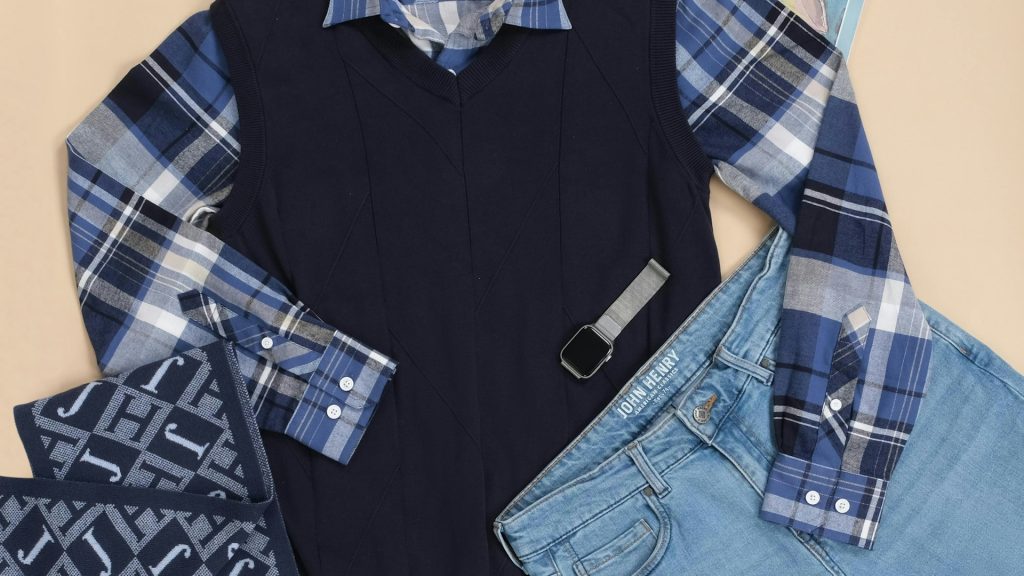
Every product photography workflow you’ve ever read about assumes something that isn’t true for resellers: that you’re photographing the same handful of items over and over. A skincare brand shoots one bottle and reuses that workflow for years. A reseller listing secondhand fashion never gets that luxury. Every single item — a floral blouse today, a leather jacket tomorrow, a pair of boots the day after — is a completely different shape, color, and size, sometimes photographed within the same ten-minute session. That’s precisely what makes bulk photo editing for resale fashion a different problem than bulk photo editing for almost any other kind of store, and it’s why so much generic photo-editing advice quietly doesn’t apply.
The Reseller’s Real Problem Isn’t Speed, It’s Variety
Most articles about editing multiple photos at once assume uniformity: the same product, shot the same way, edited with the same settings. A reseller’s photo folder looks nothing like that. In a single afternoon it might contain a folded sweater shot flat, a pair of sneakers photographed at an angle, and a dress on a hanger against a closet door. Asking one set of crop and centering rules to handle all of that without looking sloppy is a genuinely harder problem than editing five hundred identical bottles of the same serum.
This is why so many resellers give up on any kind of systematic editing process and just post whatever the phone camera produced. It’s understandable — trying to manually recreate a consistent look for a completely different item every single time feels like more work than it’s worth. But that’s also exactly why so many resale shops look visually chaotic compared to their sales potential: the inconsistency isn’t a sign of a bad reseller, it’s a sign of a workflow that was never built to handle this much variety in the first place.
Why Consistency Still Matters When Every Item Is Unique
It’s tempting to think that because every item is different, visual consistency doesn’t matter the way it would for a store selling one product line. The opposite is true. When a buyer scrolls through a reseller’s shop and every listing has a wildly different background, crop, and lighting temperature, it’s much harder to trust that the reseller handles items carefully — even if the actual garments are in perfect condition. Buyers use visual consistency as a shorthand for how seriously a shop is run, precisely because they can’t physically inspect the item before buying. A shop where every photo follows the same centering and background rules signals a level of care that a shop with scattered, inconsistent photos simply doesn’t, regardless of how good any single item’s condition actually is.
Building Framing Rules That Work for Any Garment Shape
The fix isn’t finding one crop that works for every item — that’s impossible when you’re moving between flat-lays, hangers, and mannequins from one listing to the next. The fix is finding a small number of framing categories and applying the same centering rule within each category, every time, rather than deciding fresh for every photo. A tool that lets you edit multiple images with a consistent centering rule automatically finds the garment or product within the frame and positions it the same proportional way regardless of its exact shape, so a wide sweater and a narrow scarf both end up looking like they belong in the same shop, even though they’re nothing alike as objects.
This matters more at high listing volume than almost anywhere else, because resale shops often list dozens of items a week. There’s no time to manually judge the “right” crop for each one individually — the framing rule needs to just work, consistently, across whatever gets photographed that day.
Backgrounds: The One Thing You Can Actually Standardize
Garment shape and color are always going to vary — that’s the nature of resale. But the background behind every item doesn’t have to. This is where a bulk background remover changes the entire feel of a resale shop. Instead of every listing showing whatever surface or wall happened to be behind the item when it was photographed — a bedroom floor, a couch, a random patch of carpet — every photo gets the exact same clean backdrop, whatever that backdrop is chosen to be. A tool built to background remover multiple images in one batch makes this genuinely fast rather than a chore: upload everything shot that week, strip every background out in a single pass, and drop in the same consistent backdrop across the whole set.
The effect on how a shop feels to shop is significant. A grid where every item sits against the identical clean background reads as a curated boutique. A grid where every item shows a different bedroom, different lighting, different clutter reads as a garage sale — even when the actual clothing is identical in quality between the two scenarios.
A Weekly Batch Workflow for High-Volume Listing
The resellers who keep a consistent look without burning hours every single day tend to follow the same basic rhythm: photograph everything intended for that week’s listings in one or two sessions, using the same lighting setup and the same rough distance from the camera every time, then run the entire batch through editing together rather than editing and listing one item at a time as it’s photographed. Because the tool needs to remove background from multiple images and apply centering across dozens of completely different garments in that single pass, this is really only practical with a batch image editor built for exactly this kind of variety — trying to recreate it manually, item by item, defeats the entire purpose of listing at volume in the first place.
This rhythm also makes it much easier to catch mistakes before they go live. Reviewing twenty freshly-edited photos together, side by side, makes an inconsistency — one item that’s oddly cropped, one background that came out a shade off — immediately obvious in a way it never would be if each photo were reviewed and published in isolation, minutes after being edited.
It also fits naturally around how most resellers already source inventory. Thrifting trips, estate sale hauls, and consignment drop-offs tend to happen in bursts rather than a steady daily trickle, so a workflow built around weekly or twice-weekly batches matches the actual rhythm of how new stock arrives, instead of forcing a reseller to either edit constantly in small dribbles or let unlisted inventory pile up untouched between big pushes.
What to Look for in an Editing Tool When Every Photo Is Different
Because resale photography is so much more variable than typical product photography, the tools that work well for a single-product store don’t always translate. The most important thing to check is whether centering and background removal actually adapt to different item shapes automatically, rather than requiring a fixed template that assumes every photo looks roughly the same. A genuinely useful bulk picture editor for resale should handle a folded shirt and a pair of boots in the same batch without needing separate settings for each. It’s also worth checking whether there’s a bulk photo editor free tier available, since resale margins are often thin enough that testing a workflow against a real batch of your own inconsistent photos, before committing to anything, matters more here than it would for a bigger retail operation.
Speed matters too, but less than most resellers assume. A batch photo editor online free trial that saves an hour but still leaves the shop looking inconsistent hasn’t actually solved the underlying problem — the goal isn’t just editing faster, it’s editing in a way that makes a shop full of completely different items look like it’s run by the same careful person every single time.
Cross-Listing the Same Items Across Multiple Resale Platforms
Most serious resellers don’t list on just one platform — the same item often needs to go up on two or three resale marketplaces at once to maximize the chance of a sale, and each of those platforms tends to have its own quirks around preferred image style and aspect ratio. Handling that by re-editing every item separately for every platform multiplies the workload by however many places you sell, which is exactly the kind of task that makes people give up on cross-listing altogether even though it’s usually worth the extra reach. The better approach is to edit multiple photos at once into one clean master version per item, and then export that master into whatever crop and format each platform prefers, rather than starting the editing process over from scratch for every marketplace.
Because the underlying edit — background, centering, cropping — only has to happen once per item, a tool that can bulk edit images across the whole week’s new arrivals turns cross-listing from a multiplier on your workload into a single extra export step. The garment gets photographed once, edited once as part of the week’s batch, and then pushed out in as many platform-specific versions as you need, without touching the original edit again.
Using Bulk Review to Catch Damage and Quality Issues Early
There’s a side benefit to editing resale photos as a batch instead of one at a time that doesn’t get talked about enough: it turns into a natural quality-control pass. When you mass edit images together and then scroll through the finished batch side by side, flaws that are easy to miss in a single zoomed-in photo — a stain that reads differently against a new background, a stitching issue that stands out once the item is cleanly cut out from clutter — tend to jump out precisely because you’re comparing dozens of items at once under identical, consistent lighting and framing. Catching that during editing, before a listing goes live, is far better for a resale business’s return rate and reviews than catching it after a buyer opens the package and finds something the original photo didn’t clearly show.
How Pixeroom Handles High-Variety Resale Catalogs
This is the exact scenario Pixeroom was built to handle well: a folder full of genuinely different items, photographed under real-world conditions, that all need to come out the other side looking like they belong in the same shop. Upload a week’s worth of resale photos — sweaters, shoes, bags, whatever got listed that week — and its bulk background remover strips each one down to a clean cutout regardless of the item’s shape, while its centering tools keep everything framed proportionally the same way across the whole batch. Export handles the sizing each marketplace expects, so the same edited batch works whether it’s headed to one resale platform or several.
To be clear about scope: Pixeroom edits and exports the images themselves. It doesn’t create listings, manage inventory, or publish anything to a marketplace on its own — it handles the part of reselling that eats the most time for the least reward, which is making a folder of wildly different photos look like a single, coherent, trustworthy shop.
If your resale shop currently looks like a dozen different photo sessions stitched together, that’s not a reflection of the quality of what you’re selling. It’s usually just what happens when every item genuinely is different and nobody’s had a workflow built to handle that variety consistently. Once that workflow exists, the variety stops being a liability and starts being what makes the shop interesting to browse in the first place.
There’s also a compounding benefit that shows up over time and rarely gets mentioned in reseller advice: a shop with a consistent visual identity is easier for repeat buyers to recognize and return to. Someone who bought a jacket from a shop with a distinctive, consistent photo style is far more likely to remember that shop and come back to browse again than someone who bought from a shop that looked like a random assortment of snapshots. In a category built almost entirely on one-off items and one-time sales, that kind of repeat recognition is one of the few genuine advantages a reseller can build deliberately, and it starts with something as simple as every photo sharing the same clean, consistent look.