

Lifestyle vs Studio Product Photos: When Each Converts Better
Lifestyle vs studio product photos is a conversion choice, not a style preference alone.
Notes from the Pixeroom team on background removal, bulk editing, and getting product photos ready to sell faster.
Lifestyle vs studio product photos is a conversion choice, not a style preference alone.

Depop does not publish a strict pixel requirement, which leaves many sellers guessing. Here is what Depop actually says about listing photos, a practical size and shape to work with, and a workflow for a consistent resale shop.

An iPhone can produce product photos that hold their own in any online store, as long as you control light, framing and settings. Here is a step-by-step guide from setup to a finished, consistent batch.

The background is half of every product photo. Here are fifteen practical product photo background ideas, what each one is good for, where marketplaces limit your choice, and how to keep a background consistent across a whole catalog.
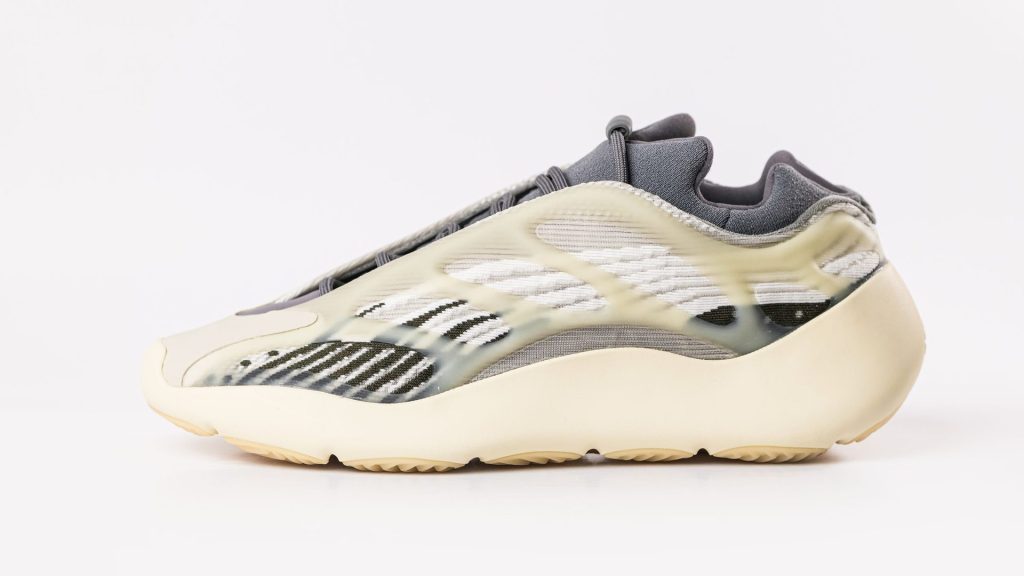
Clean white backgrounds make products easy to compare and meet the rules of the strictest marketplaces. This guide covers the setup, lighting, camera settings and editing steps that get you there, for one product or a whole catalog.
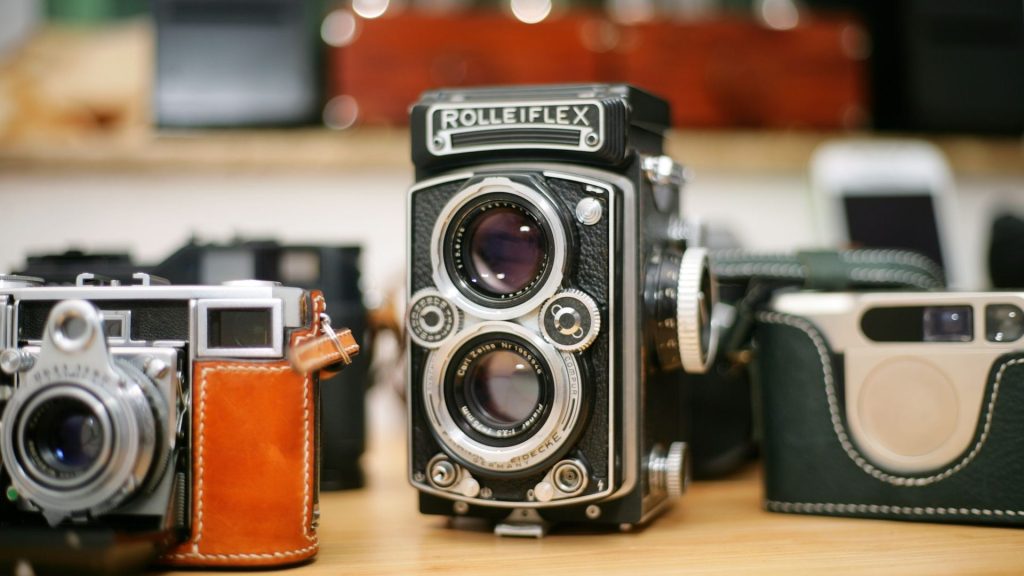
eBay accepts photos from 500 pixels, but recommends 1600 pixels on the longest side for mobile. Here is how to size, format and prepare eBay photos so your listings look sharp and consistent.

Etsy recommends listing photos of at least 2000 pixels, but size is only part of the story. Thumbnail crops, file weight, colour profiles and Etsy’s authenticity rules all shape how your photos should be prepared.

Resizing a folder of images takes seconds. Getting a folder of product photos that all look the same size, centered and sharp takes a little more thought. Here is how to batch resize images properly, with the tools you already have and a workflow built for catalogs.

Amazon accepts a wide range of image sizes, but only some of them unlock zoom and look sharp in search. Here is the Amazon product photo size to aim for, the rules behind it and a workflow to prepare a whole catalog.

WooCommerce lets you control product image sizes and cropping, but the settings only work well when your source photos are consistent. This guide covers the settings, common fixes and a bulk workflow.